
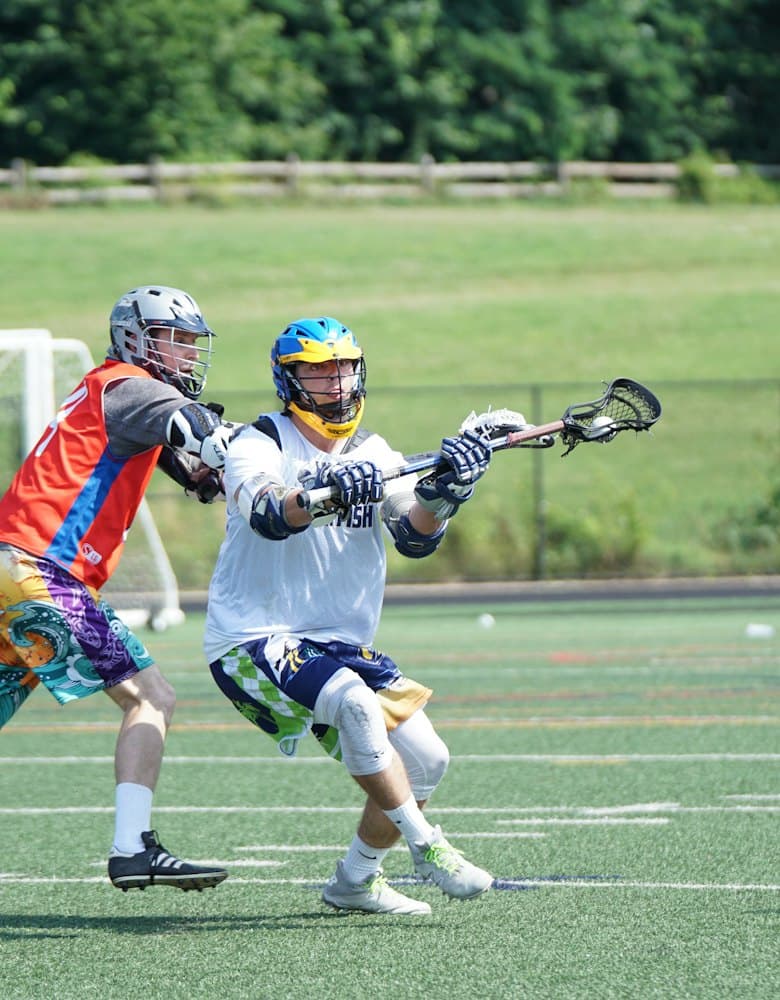

One app.
Every team.
Every sport on the same schedule and the same lane.
Coach clearances in one dashboard.
Live before the first practice.
Every sport on the same schedule and the same lane. Coach clearances in one dashboard. Live before the first practice. Mill Creek Little League
 Everett Little League
 NW Hustle Baseball Club
What it's like today
Twelve sports, twelve habits
Every coach runs a different app and calendar, and the athletic office can't see any of it.
Compliance in a binder
CPR cards, background checks and signed forms live in folders, drives and inboxes.
Questions to the wrong desk
Parents call the head coach about eligibility, buses and tickets because nobody knows who owns what.
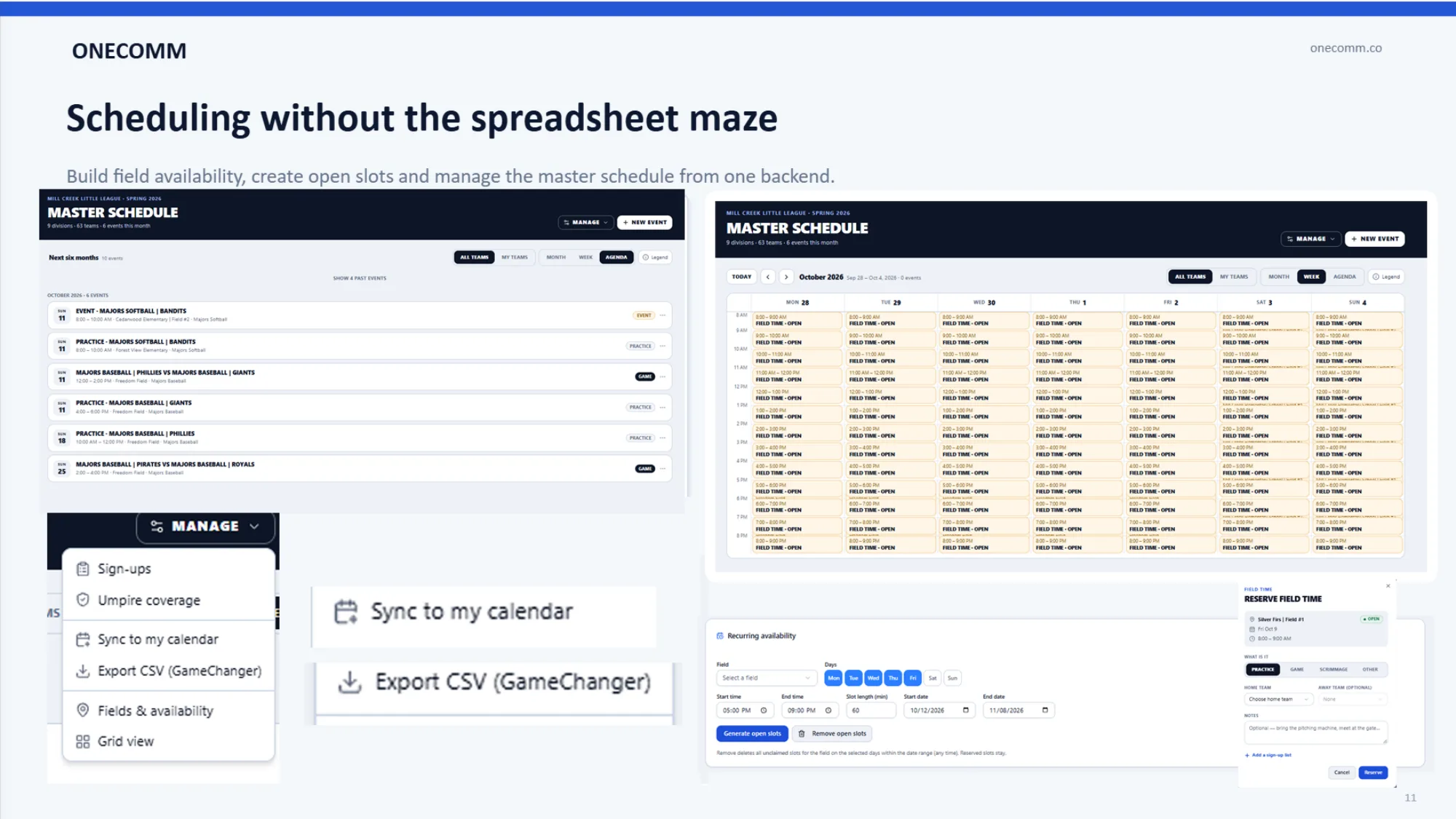
Every sport on the same lane and the same schedule
One communication lane for staff and families and one master schedule by field and gym — the same behaviors across every team.
- Announce to the program, a sport or a single team
- Master schedule with RSVPs and day-before reminders
- Athletes have their own login, linked to parents
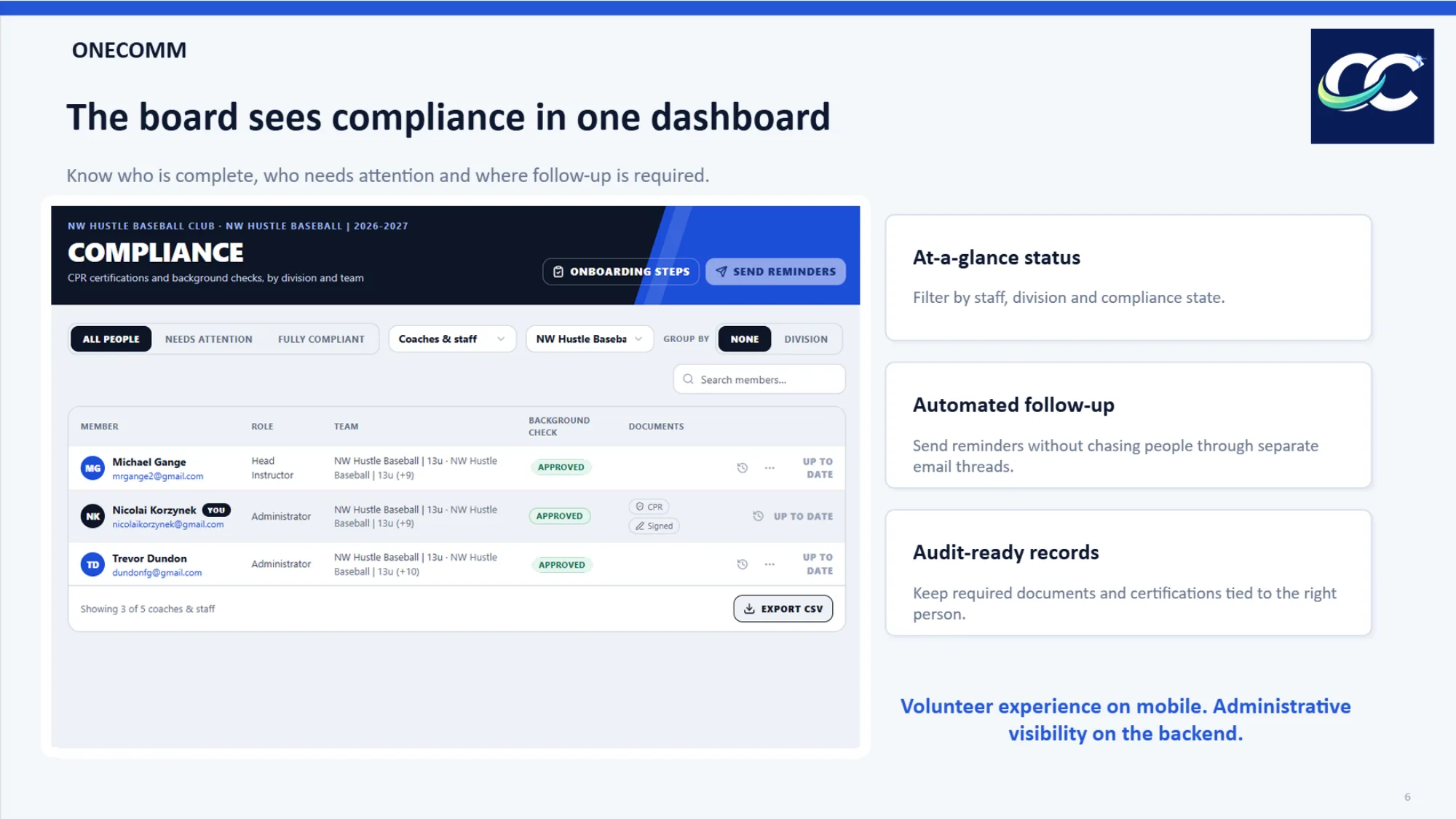
Coach clearances in one dashboard
Background checks, CPR, concussion and SCA training — tracked per coach, with reminders sent for you.
- Separate onboarding flows for staff and families
- Required steps can gate access
- Export-ready records for the district
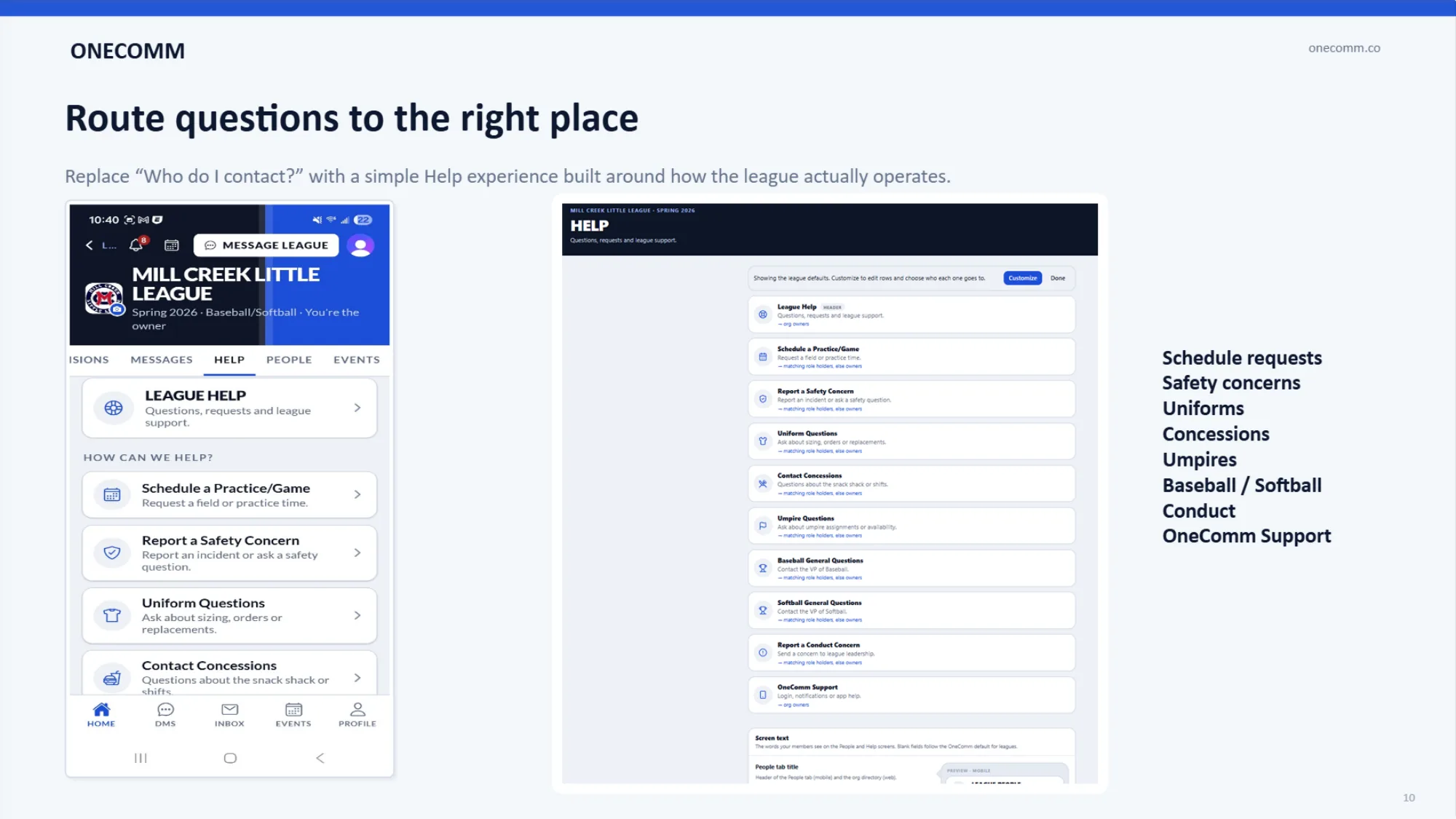
Questions find the right person in the department
Help topics routed to the role that owns them, so the office stops forwarding and coaches stop fielding everything.
- Name the topics: transport, eligibility, facilities
- Each routes to the staff role that owns it
- A staff directory families can use
Live before the first practice
Sports, levels, coaches, rosters, facilities and the schedule come in from one workbook — we import it with you.
- Every team gets its board on import
- Coaches and families join by text, link or QR
- Onboarding steps ready on day one
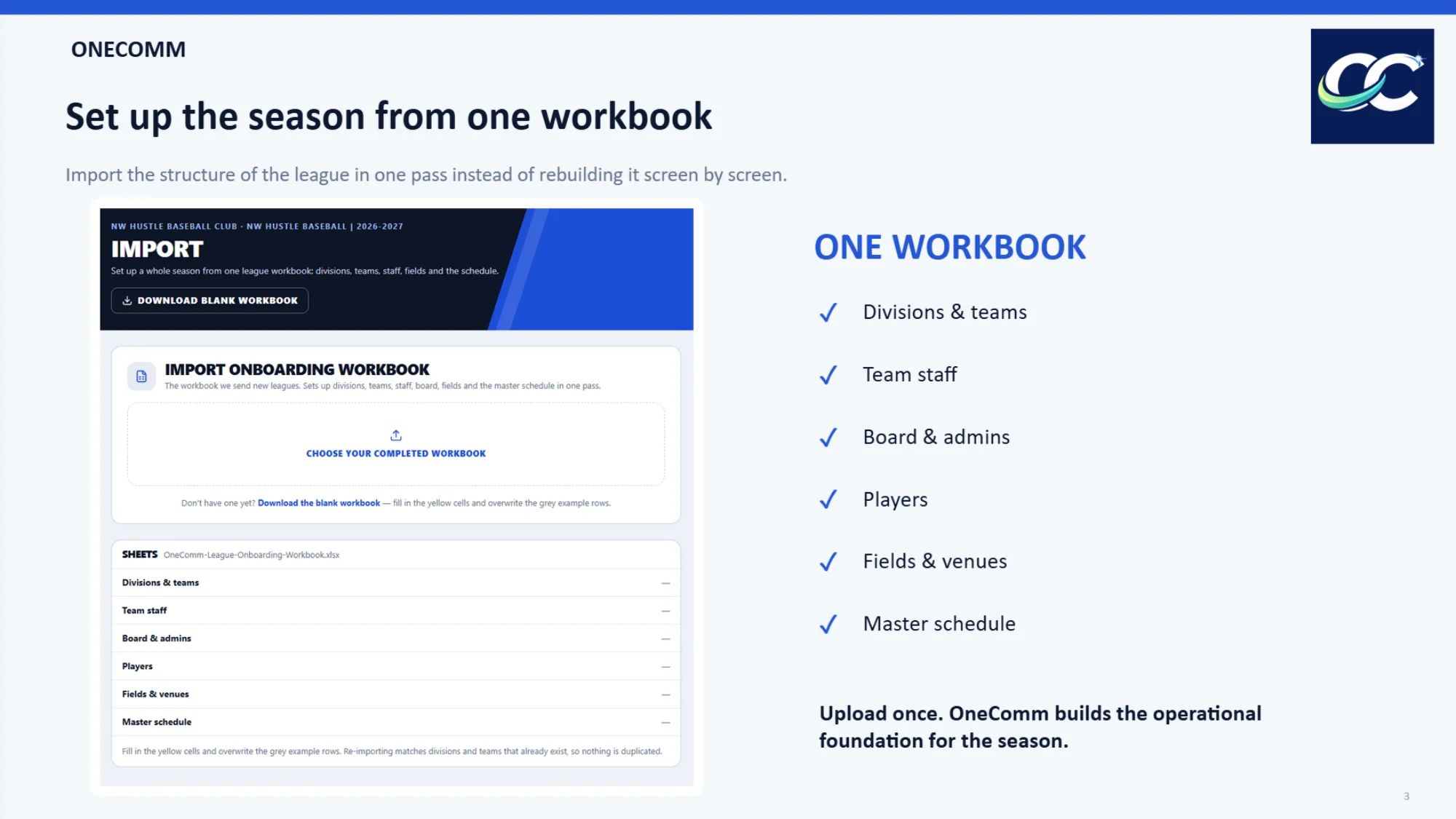
Live in an afternoon
- 01Send your rosters
- 02We build every team
- 03Families join by QR
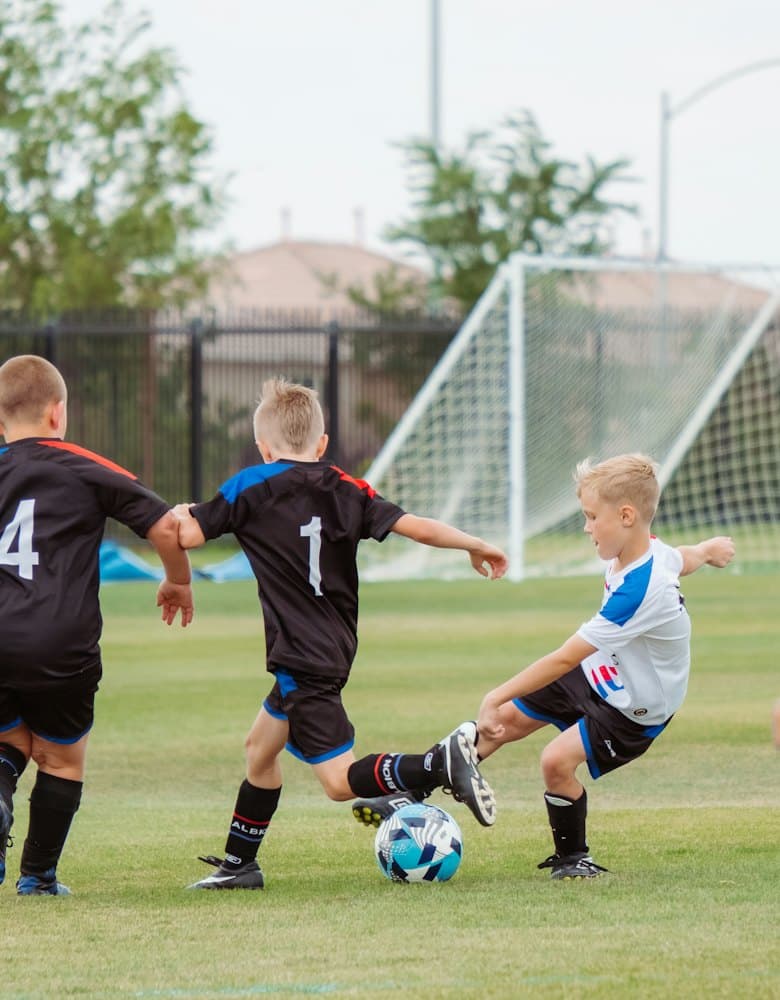
High school athletics on social
 OneCommAthletics · nowJV Soccer: moved to the main gym, 4:30
One app.Announce to the program, a sport or one team.
OneCommFriday?Athletes and parents RSVP in one app — reminders sent for you.
Questions from high school athletics
- Do athletes get their own login?
- Yes. Athletes have their own account, linked to their parents, with up to two parents plus followers each.
- Can we import everything at once?
- Yes — one onboarding workbook covers sports, teams, staff, fields and the master schedule.
- Who sees families' contact details?
- Staff. Families and coaches message through the app, so personal numbers aren't shared.
Bring your league onto OneComm
Send us a note with your league's name and roughly how many teams you have. We'll walk you through the onboarding workbook.